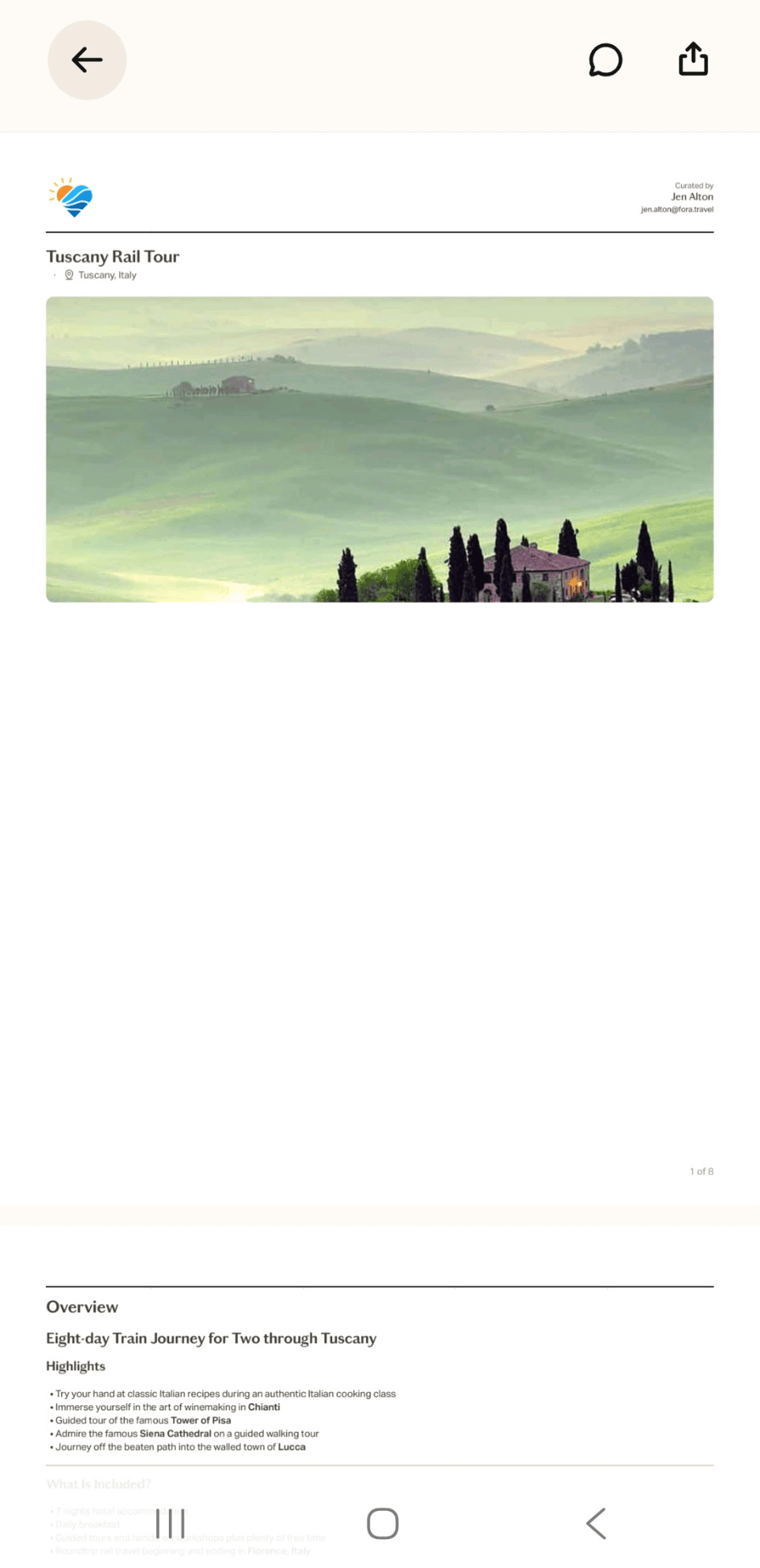
How to Access Your Trip on the Fora Traveler App
The personalized itinerary link you receive is the key to your trip. The Fora Traveler App loads that link onto your phone so your full trip details are always within reach, including when you don't have wifi or cell service. The app is completely free, and you won't need an account or password to use it.
Contents
Step 1
Download the Fora Traveler App from your app store.
- Android:

- Apple:

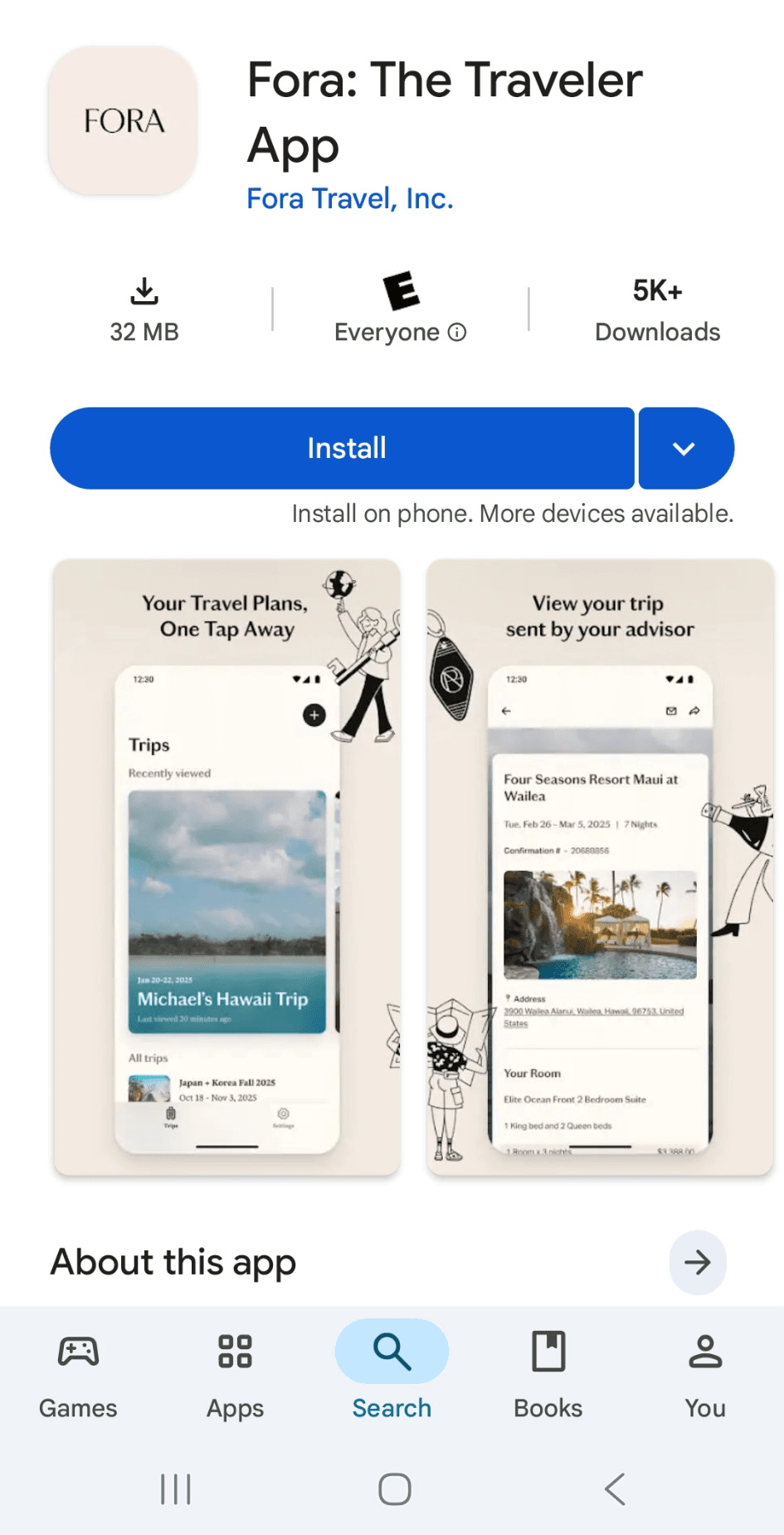
- Android:
Step 2
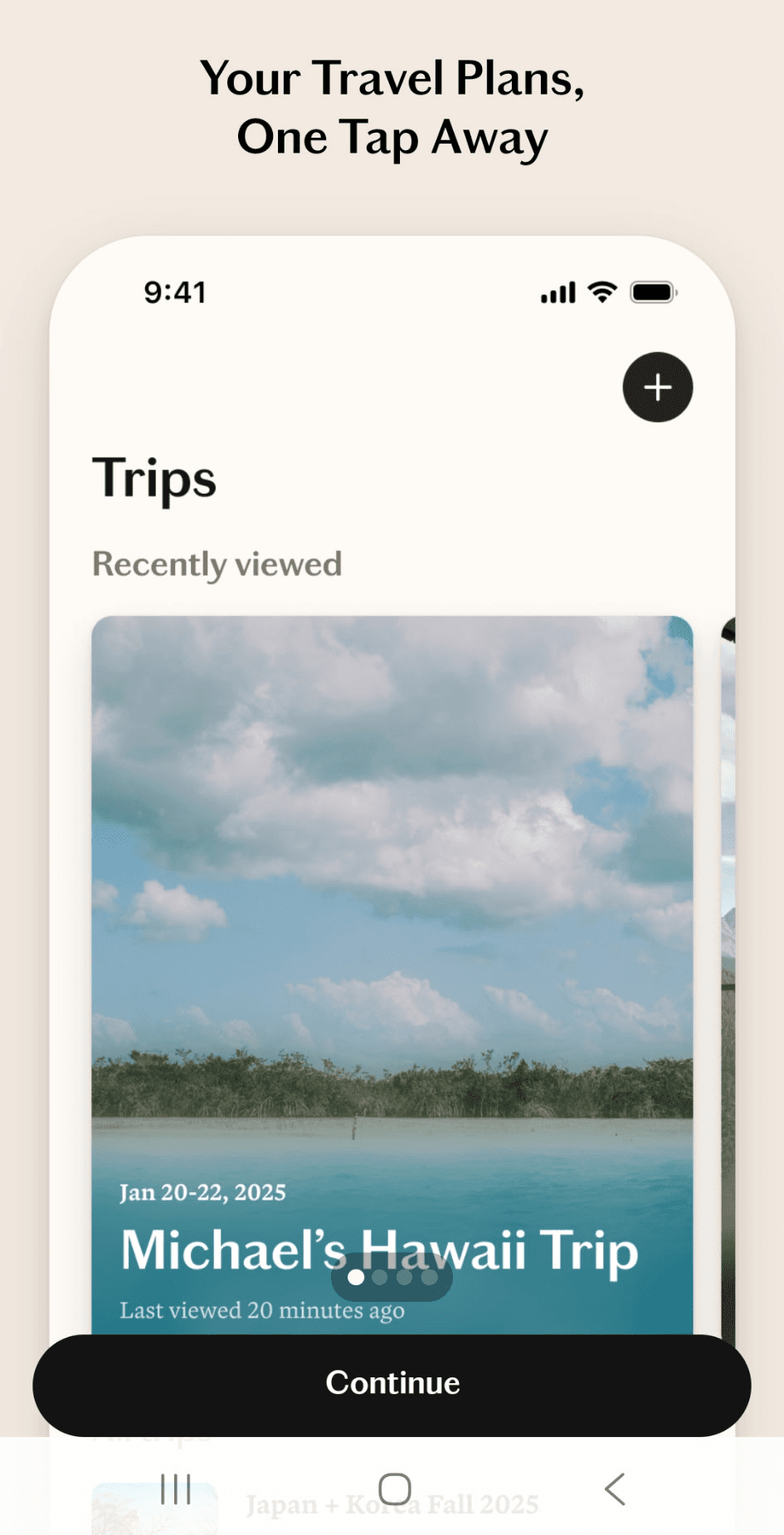
Open the app and you'll see a short welcome tutorial. Tap Continue three times to move through it.
Step 3
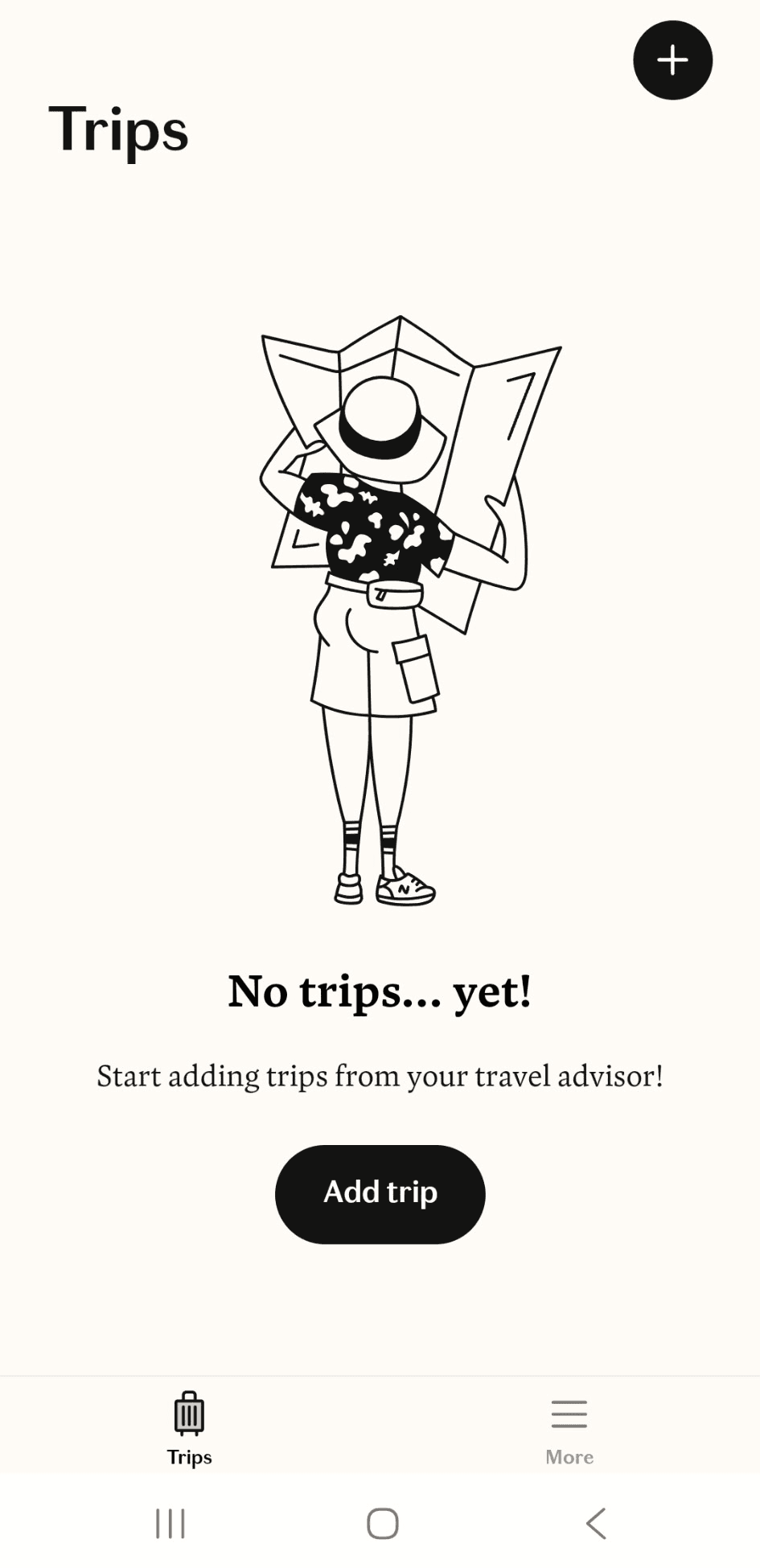
The first time you open the app, you'll see an Add Trip button. Tap it to load your itinerary.
Step 4
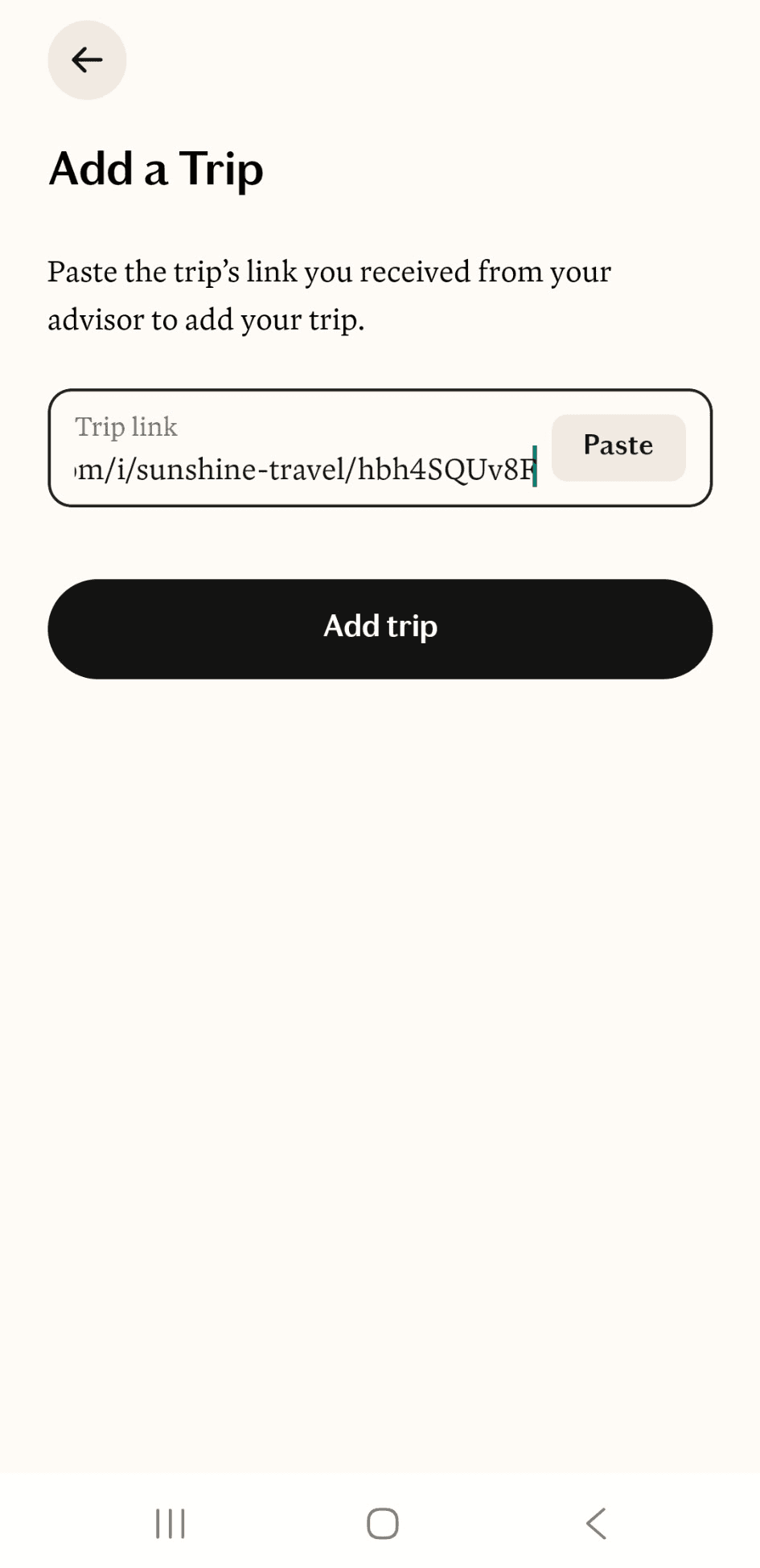
Paste the link into the app and tap Add Trip.
Step 5
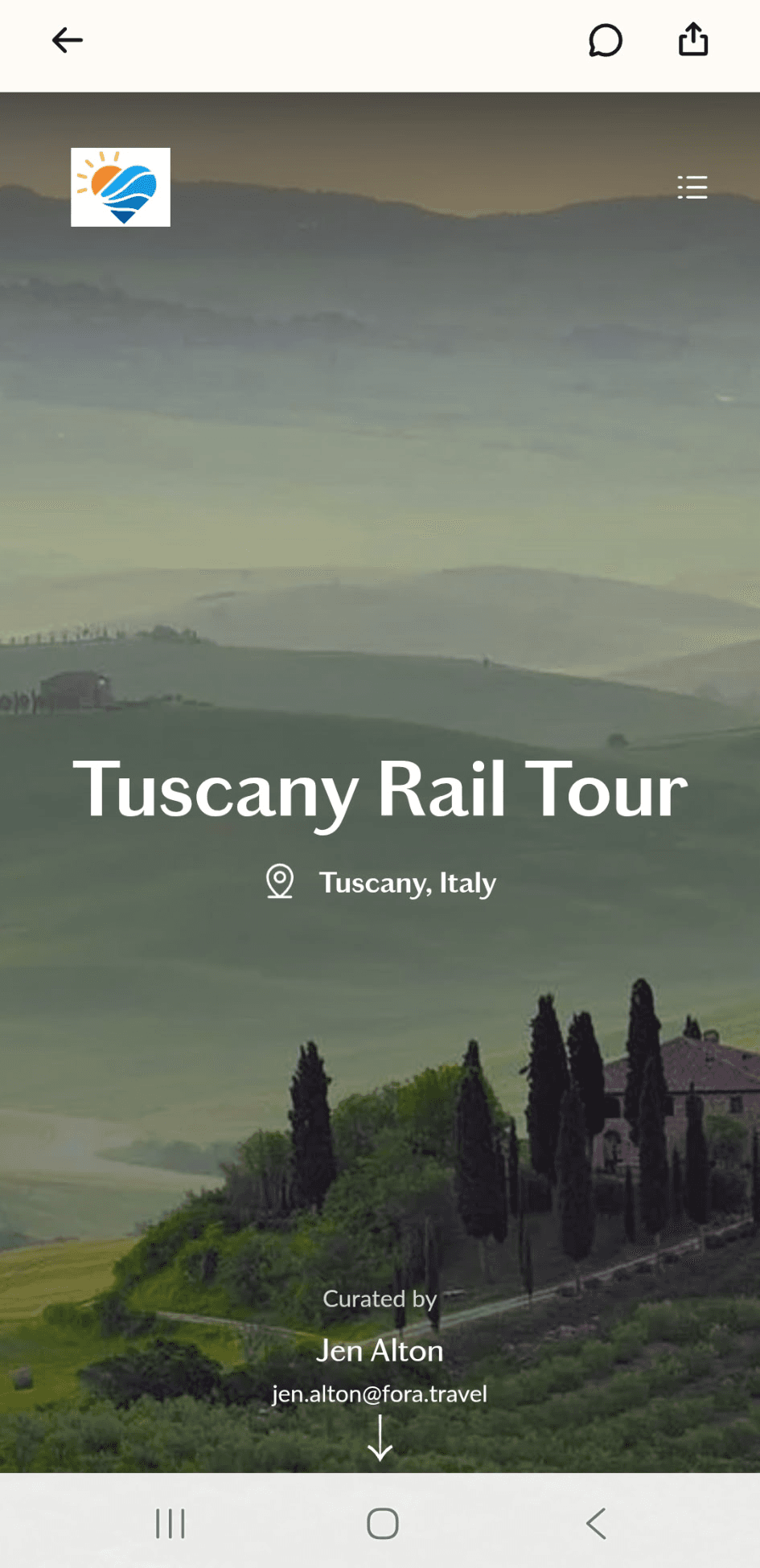
You're all set. Your itinerary is loaded and ready to explore.
Helpful Tips for Using The App
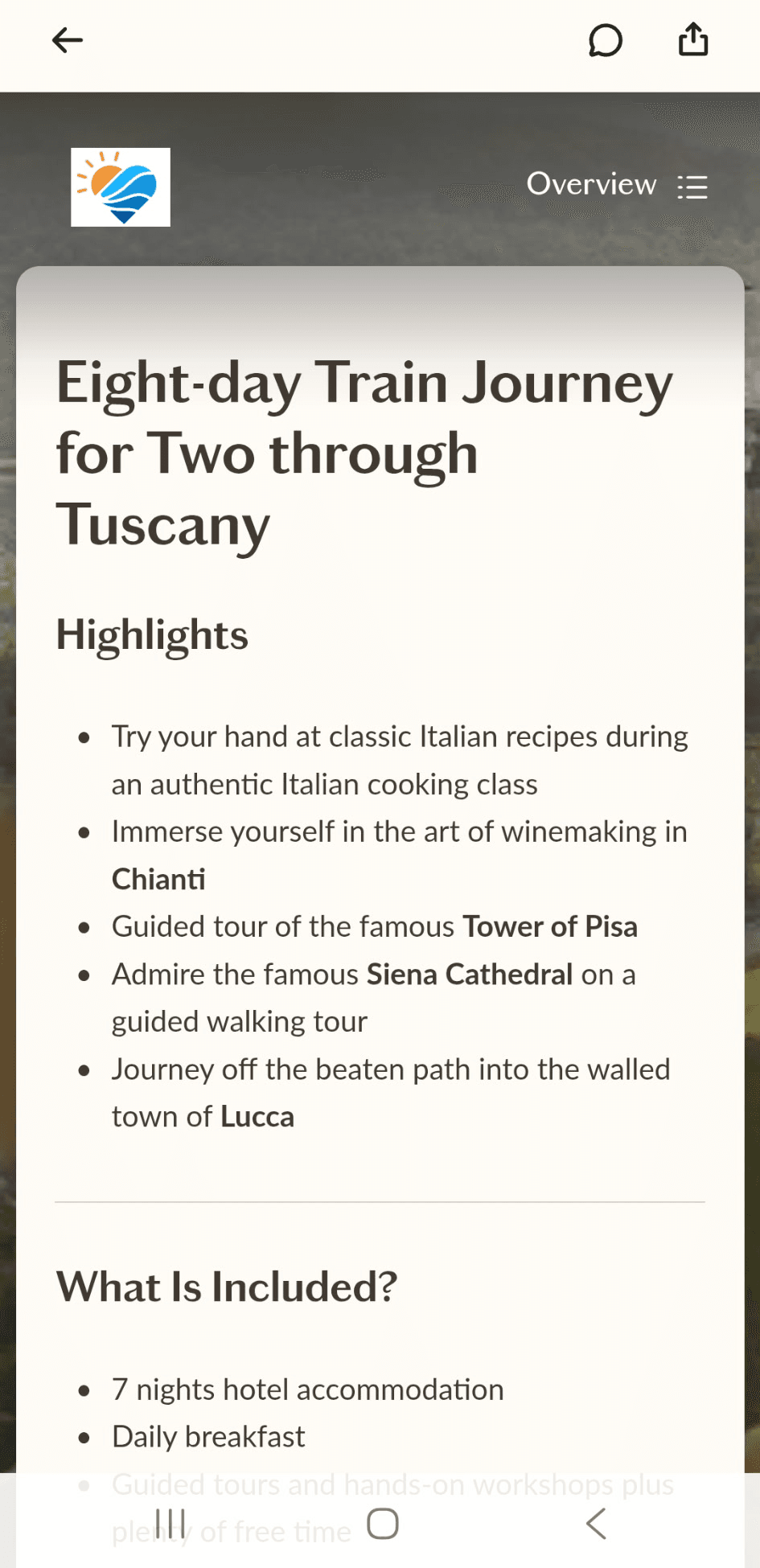
Scroll through to see everything: hotel details, flight times, confirmation numbers, and more. To share your itinerary with anyone traveling with you, tap the share icon in the top right corner. You can also come back to the home screen at any time to add future trips the same way.
Here's one of the best parts: your itinerary is available even without a wifi or cell connection. Once it's loaded, just open the app and everything is right there, including confirmation numbers, addresses, and dates, exactly when you need it. Any time you do have a connection, the app will automatically pull in any updates Jen has made to your trip.